
Paste-ready design,
prompt-ready motion.
Figma components you copy straight into your file. Interaction prompts you paste into Claude Code, Cursor or Emergent. Pay once, keep them forever.
Figma components
Copy. ⌘V in Figma. Real, editable layers — no plugin.
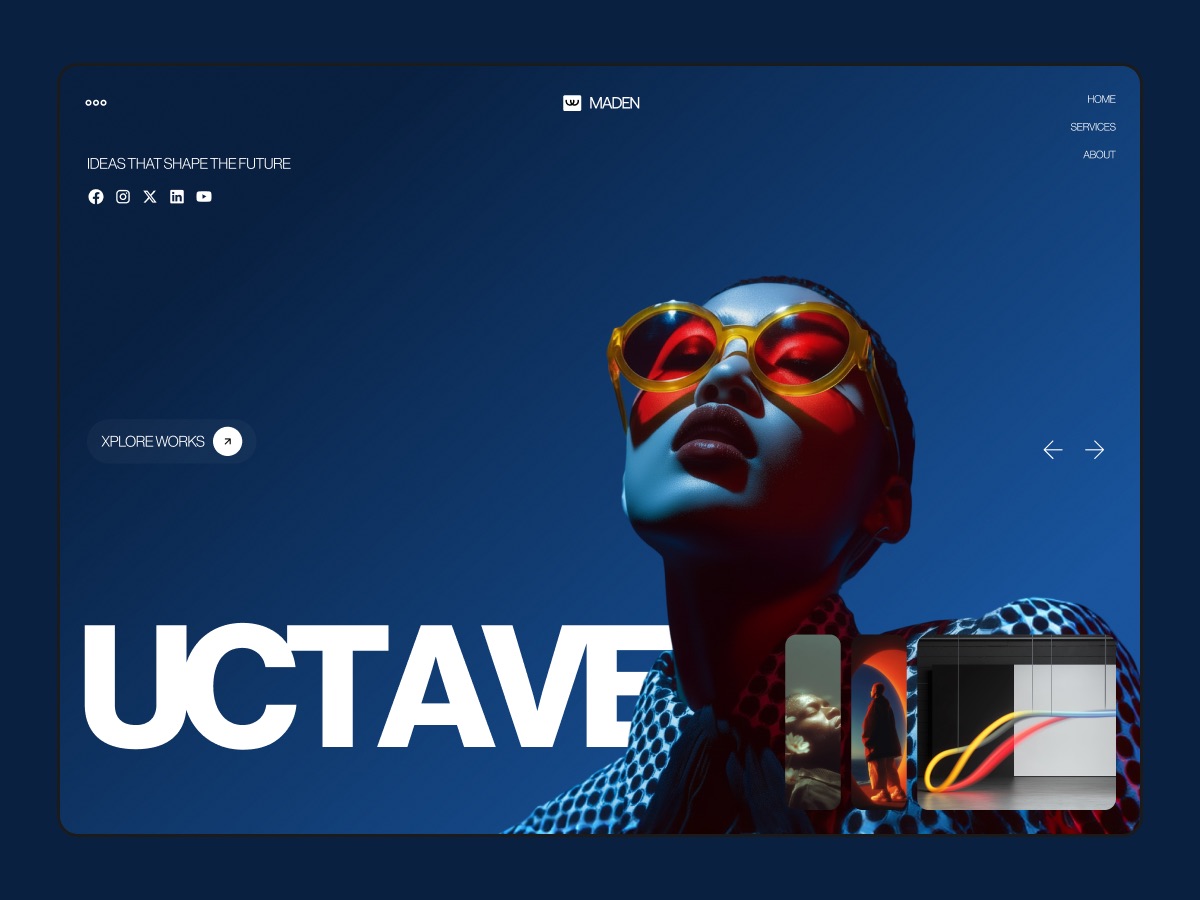
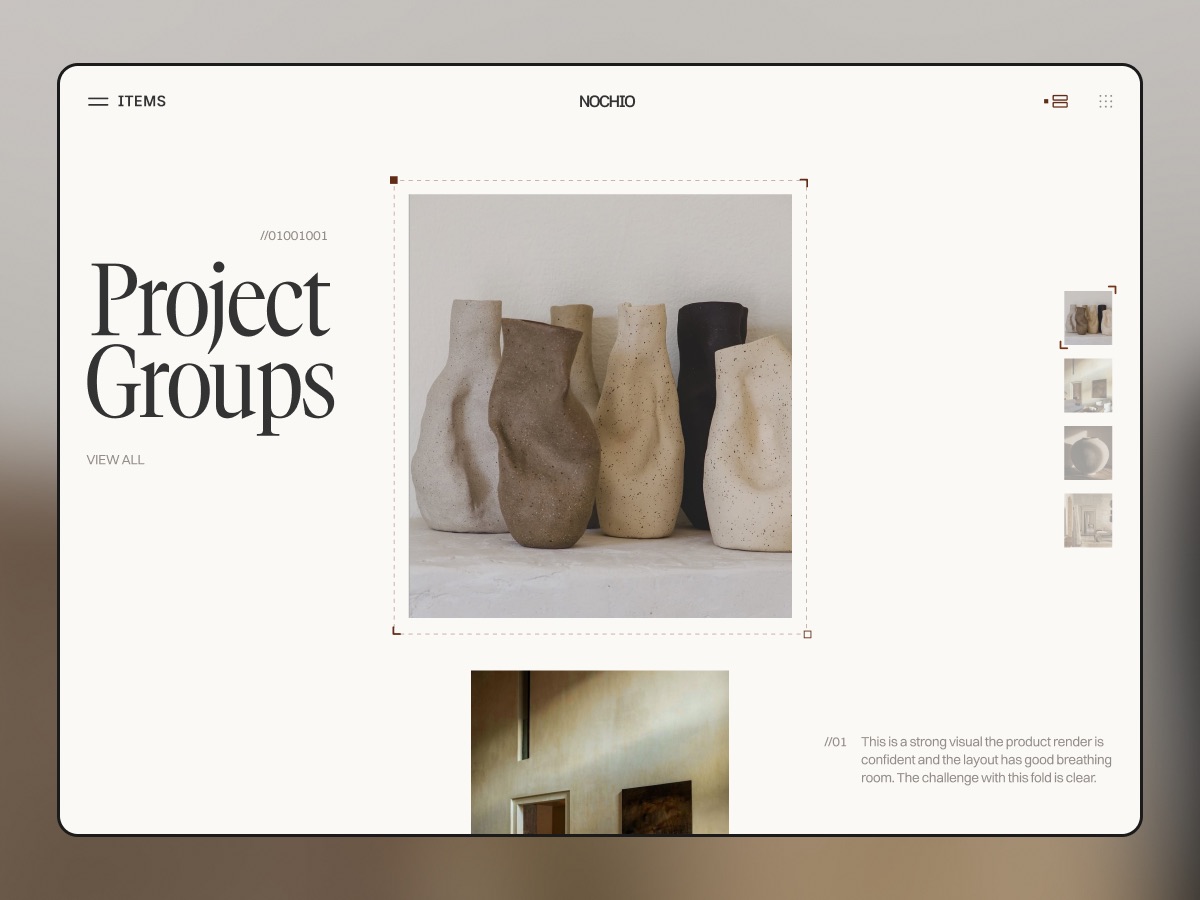
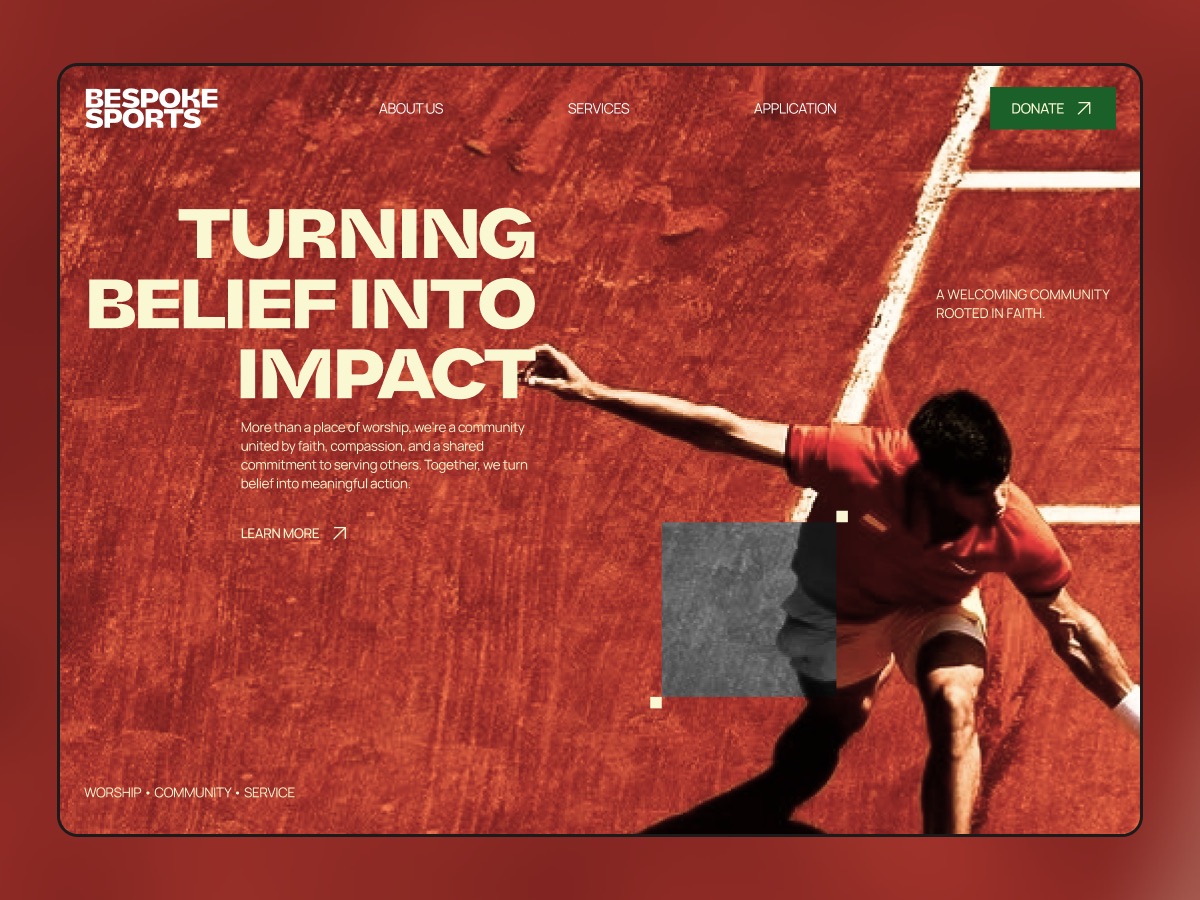
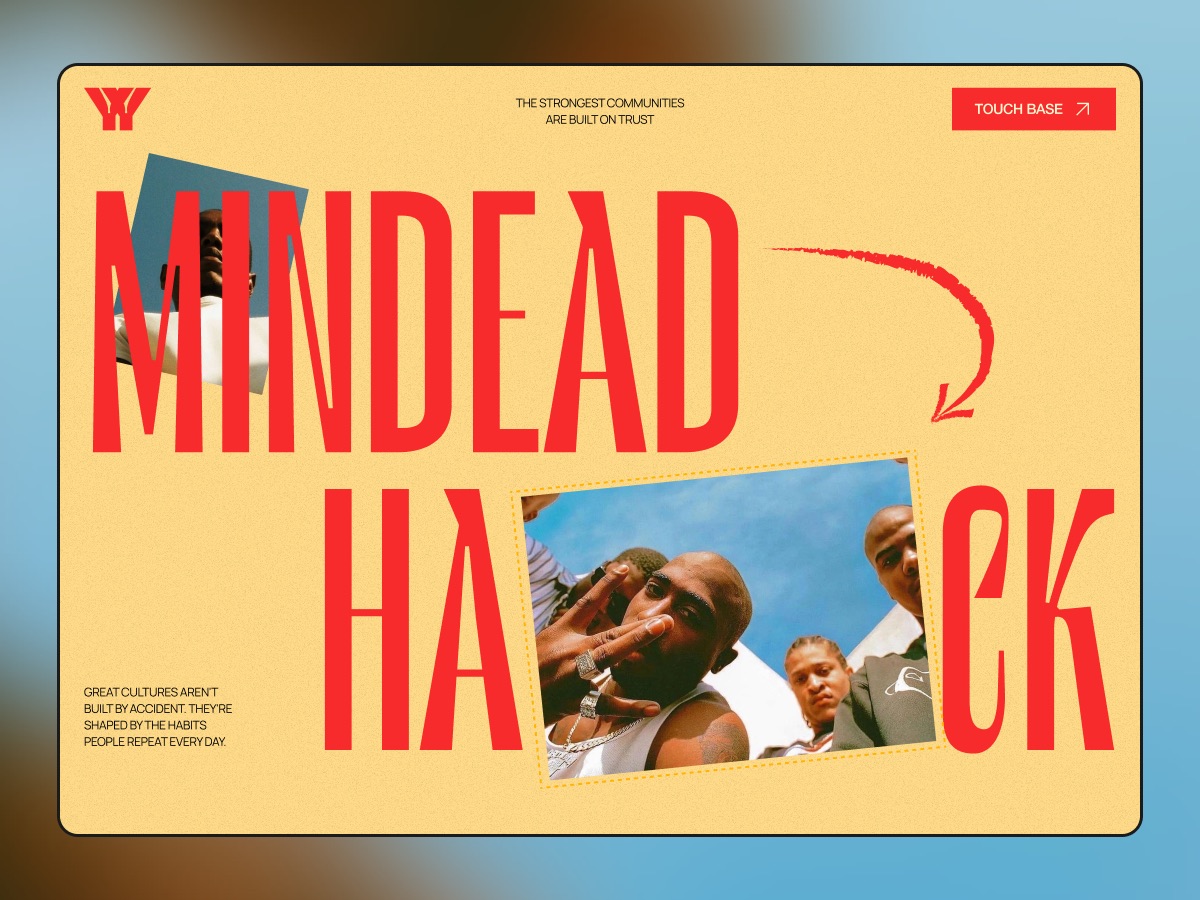
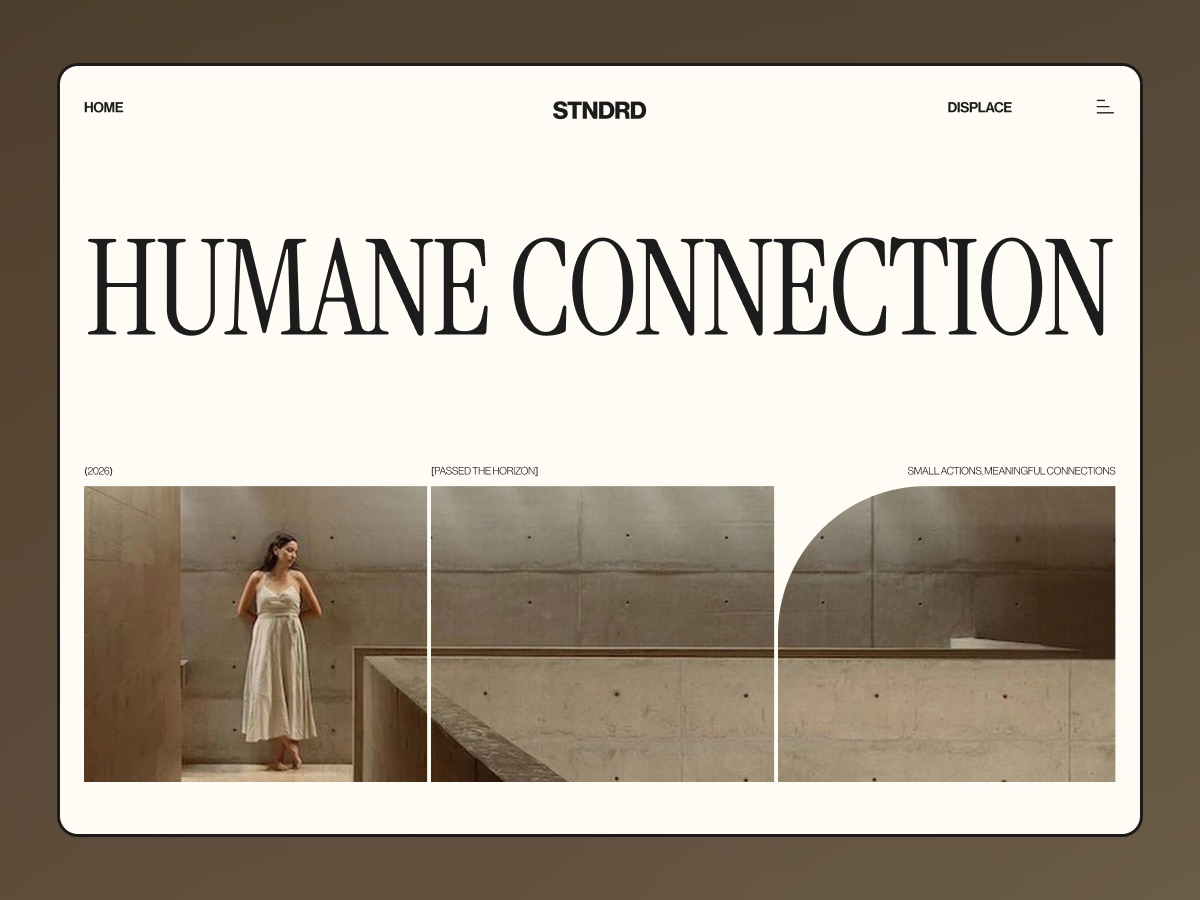
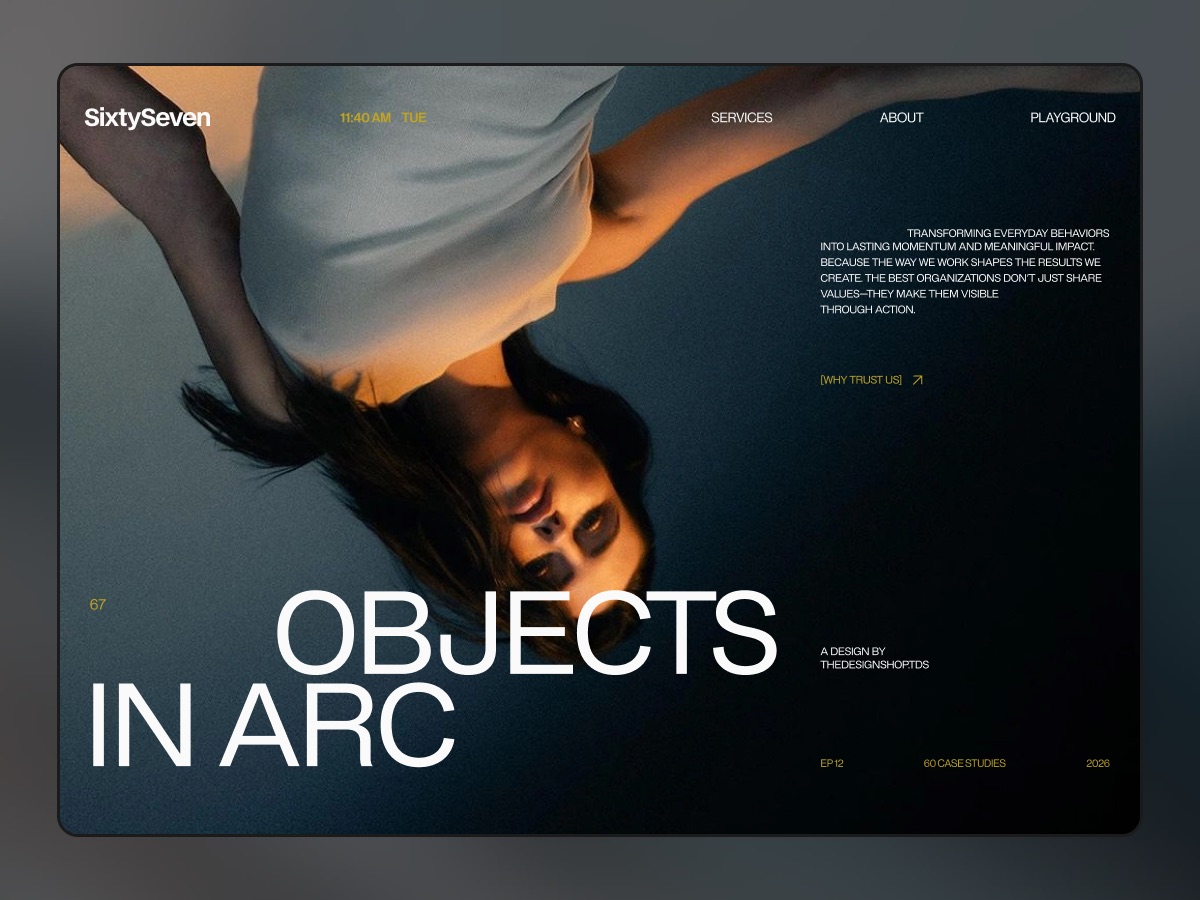
Full files, fully prototyped.
Complete Figma templates — every screen designed, every flow clickable. Buy only the ones you need.
Copy it. Paste it anywhere.
No plugins, no imports, no setup. One click puts it on your clipboard.
Figma components
1 Click Copy component
2 Open your Figma file
3 Press ⌘V — editable layers appear
Interaction prompts
$ claude
> Build a ShimmerButton component…
✓ Created components/shimmer-button.tsx
Works in Claude Code, Cursor, Emergent, Lovable, Bolt and v0.
Interaction prompts
Live demo on every card. Copy the prompt, get the exact interaction in your project.
Pay once. Keep it forever.
Lifetime access, including everything we add later. Prices in USD.
Components Pass
$49one-time
Every Figma component, copy-paste ready.
- 64+ Figma components, copy-paste
- Heroes, e-commerce, dashboards & more
- Every future component
- Unlimited personal & client projects
Everything
Best value$129one-time
Components, templates and prompts. Every future drop included.
- Everything in Components Pass
- All 35 prototyped templates
- Every interaction prompt as they launch
- All future drops, forever
Templates Pass
$99one-time
Every prototyped Figma template, plus every new one.
- All 35 prototyped Figma templates
- Worth $1,305 bought one by one
- Every new template we add
- .fig file downloads
Team license for up to 5 designers: Components Pass $147 · Everything $387 · Templates Pass $297. Email us to buy one.
Coming soon
Tools for running your design business
- Price calculator
- Invoice builder
- Proposal builder
- Agreement builder
Questions
Anything else? Email hello@thedesignstack.co.in
How does “Copy component” work?
Click the button, open any Figma file and press ⌘V (Ctrl+V on Windows). You get real, editable layers — no plugin, no file import.
What do I do with a prompt?
Paste it into Claude Code, Cursor, Emergent or any AI coding tool. It describes the interaction precisely and includes reference code, so the tool builds it into your project.
Is it really lifetime access?
Yes. You pay once and keep access to everything in your pass, including every component or prompt we add later.
Can I use these in client work?
Yes. Use them in unlimited personal and client projects. You just can’t resell or redistribute the files or prompts themselves.
Are there free items?
Yes. Items marked Free just need a free account.
Do you offer refunds?
Because items can be copied instantly, we can’t offer refunds after you have copied or downloaded something. If anything doesn’t work, email us and we’ll fix it.